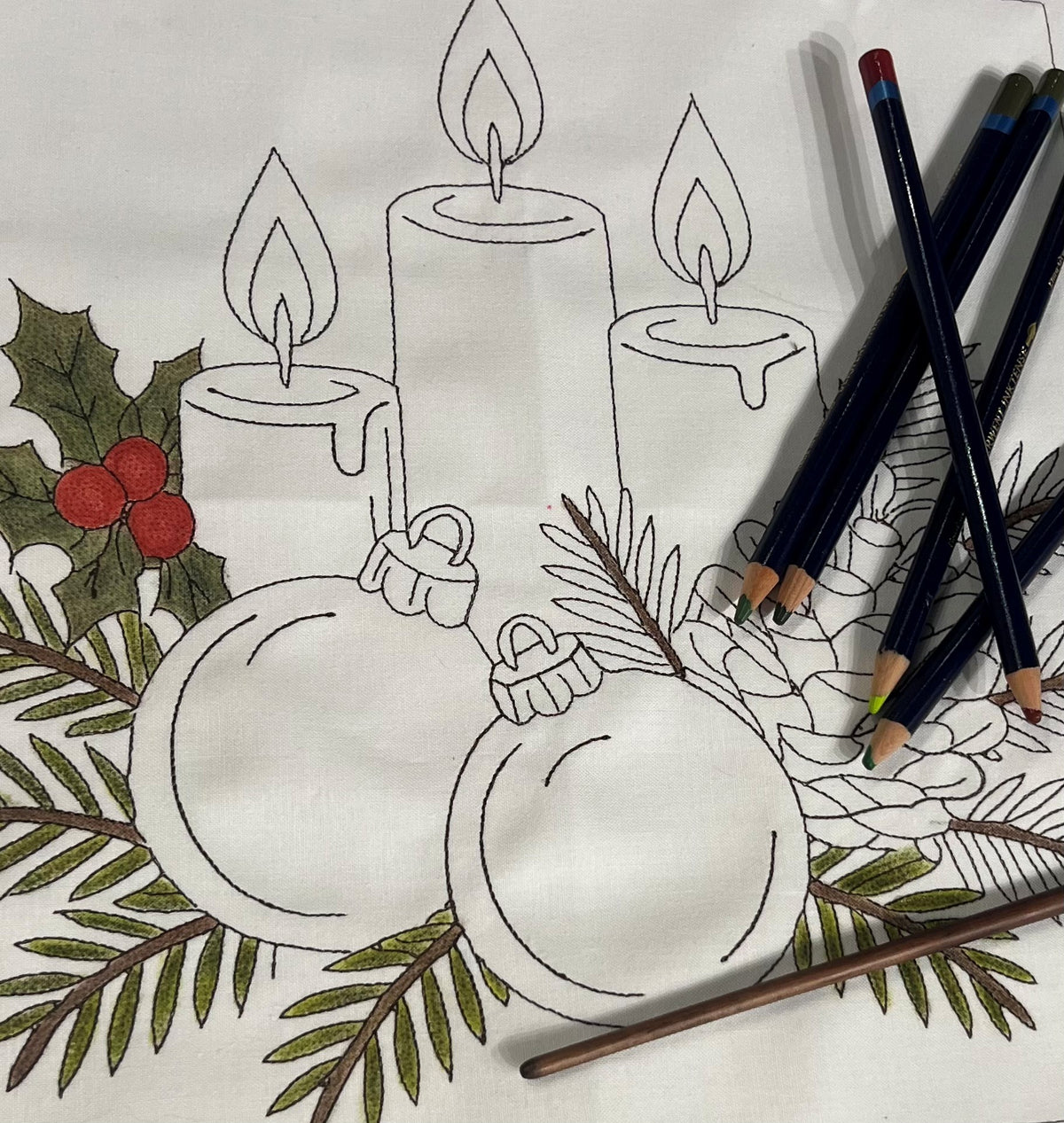


Digitizing Class with BERNINA Software
- Regular price
-
$20.00 - Regular price
-
- Sale price
-
$20.00
Couldn't load pickup availability
Digitizing Class – BERNINA Software
Learn how to take a simple clipart drawing and turn it into an embroidery design using BERNINA embroidery software!
Class Highlights
🖥️ Finding Clipart: Learn where to find clipart images that work well for digitizing.
📁 File Types: Discover which file types to use for your projects.
💻 Organizing Files: Learn how to store and organize your files on your computer.
📥 Importing Artwork: See how to bring your chosen images into the software.
🧵 Digitizing Designs: Learn how to turn artwork into an embroidery design using simple lines.
✨ Tips & Tricks: What if you want to create a design without actually stitching it? Or what if you'd like a larger design but have a smaller hoop? We'll share tips and tricks to help you do both!
Class Project
During this hands-on exercise, you'll create an embroidery design using simple lines that can be colored with Derwent Inktense Pencils. It's a fun way to combine embroidery design software with fabric coloring!
What to Bring
💻 A laptop with your BERNINA software installed.
🖱️ A mouse, if your laptop has a port for one. A mouse is extremely helpful when creating and editing designs.
Come ready to learn new skills and discover creative possibilities with your BERNINA software!